


TP-Link AC750 Wi-Fi Range Extender RE220


TP-Link AC750 Wi-Fi Range Extender RE220
-Boosts wireless signal in previously unreachable areas or in places where network coverage is difficult
-Compatible with 802.11 b/g/n and 802.11ac Wi-Fi devices
-Dual band speed up to 750Mbps
-The miniature size and wall-mounted design make it easy to deploy and move flexibly
-Ethernet port allows the extender to act as a wireless adapter for connecting wired devices
Description
Generally
Manufacturer: TP-LINK
Model: RE220
Device type: Wi-Fi Extender
Color: White
Technical Specifications
Place: Indoor space
Energy consumption: About 6.5W
Antenna: 3x internal antennas
Connectivity
Connection type: Wireless, Wired
Frequency: Dual Band (2.4 & 5 GHz)
Ports: 1x RJ-45 (Ethernet)
WiFi: Wi-Fi 5
Wireless Standards: IEEE 802.11a/n/ac 5GHz, IEEE 802.11b/g/n 2.4GHz
Wireless Functions: WMM (Wi-Fi Multimedia), Wireless Statistic, Domain Login Function
Wireless Security: 64/128/152-bit WEP, WPA-PSK / WPA2-PSK
Extra Features
System requirements: Microsoft® Windows® 98SE, NT, 2000, XP, Vista or Windows 7, 8, 10, Mac® OS, NetWare®, UNIX® or Linux
Certification: CE, FCC, RoHS
The package includes: AC750 Wi-Fi Range Extender RE200, Quick Installation Guide
Dimensions and Weight
Dimensions (WxDxH): 4.3x 2.6 x 3.0 in
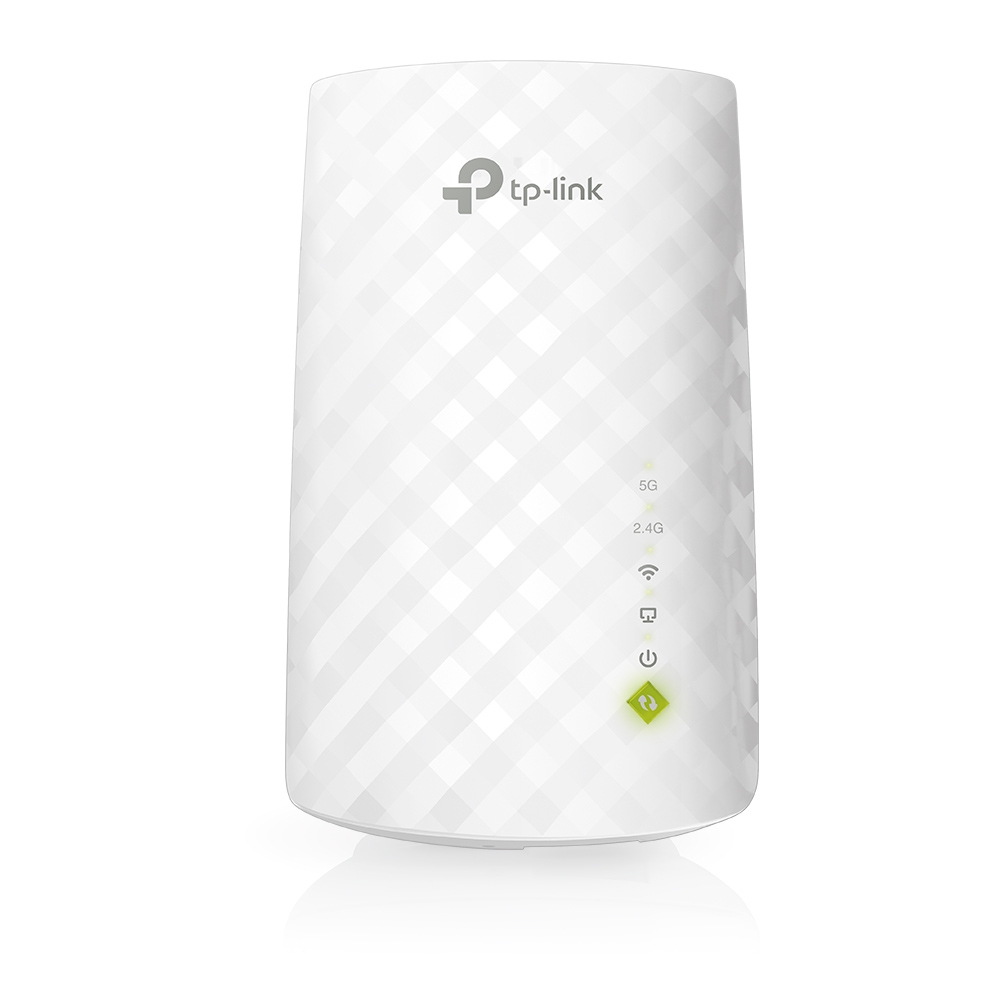
TP-LINK 's RE220 boosts your wireless signal in previously unreachable areas or places where a network doesn't easily reach. It is compatible with 802.11 b/g/n and 802.11ac Wi-Fi devices . It features dual-band speeds of up to 750Mbps . The tiny size and wall-mounted design make it easy to deploy and move flexibly. The Ethernet port allows the extender to act as a wireless adapter to connect wired devices.
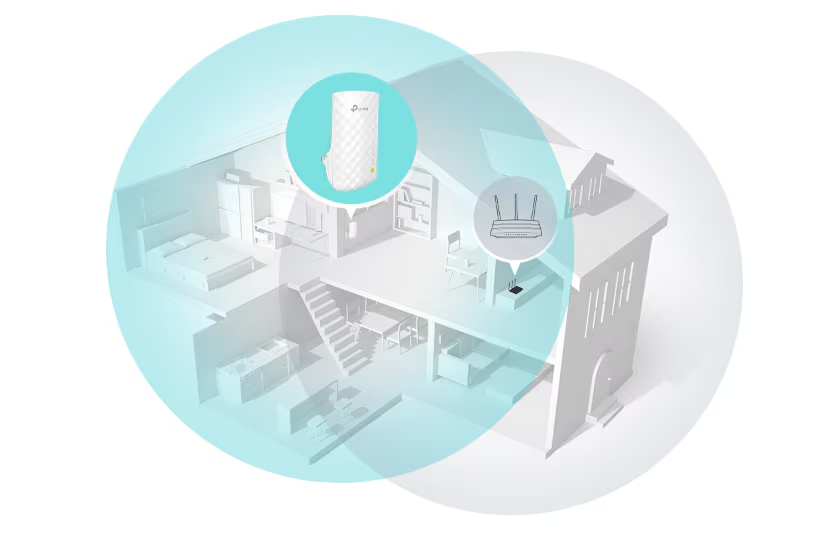
Boost your Wi-Fi in hard-to-reach areas
Place the RE220 between your wireless router and your wireless devices, extending Wi-Fi coverage while eliminating Wi-Fi dead zones.

Stable dual-band connection
Dual 2.4 GHz and 5 GHz bands provide Wi-Fi connections to up to 32 devices at up to 750 Mbps .
Access Point and wireless adapter
The RE220's Ethernet port can easily turn your wired Internet connection into a wireless access point . And it can also act as a wireless adapter to connect wired devices.

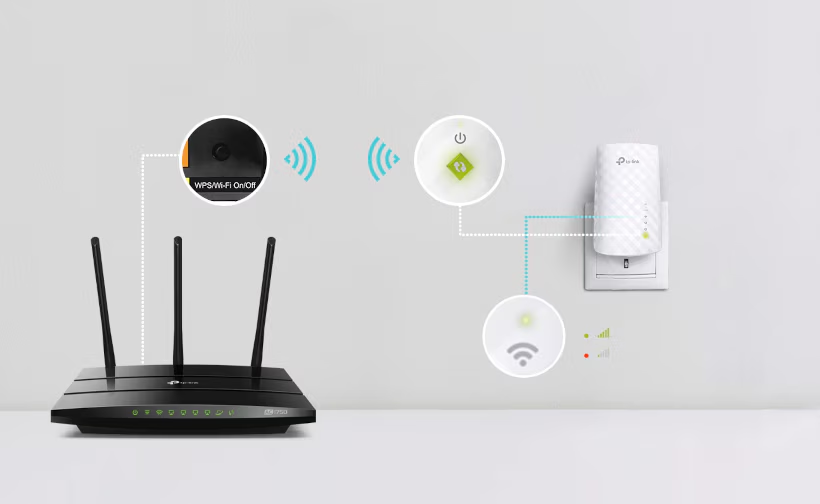
Simple two-step setup
Press the WPS button on your router and RE220 to easily connect the extender to your network. Alternatively, connect via the Tether app or Web UI . Move the extender to a better location for optimal Wi-Fi coverage.

Universal compatibility
The RE220 is compatible with any existing Wi-Fi router or Access Point, making it easy to expand and strengthen your Wi-Fi network.
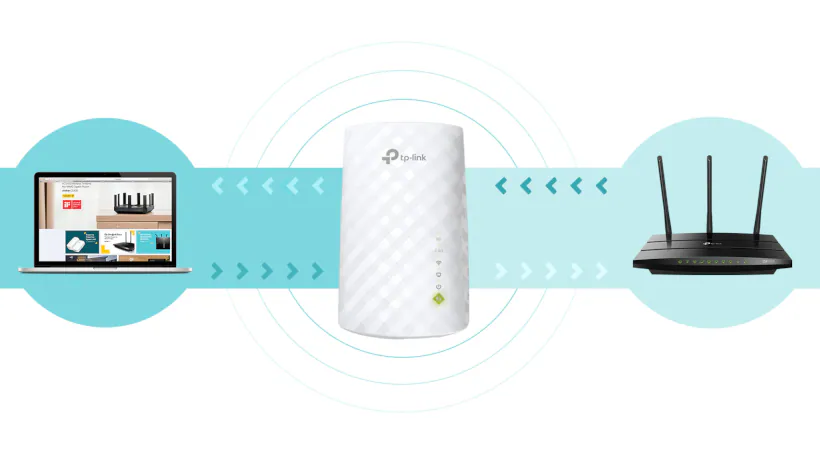
High-speed operation for maximized performance
High-speed mode uses a dedicated Wi-Fi zone as a backhaul and another dedicated Wi-Fi zone as an Access point to maximize bandwidth on the Wi-Fi extender.

